A dedicated Valheim server to explore in co-op, by the hour.
Set off into the tenth world with your friends on a dedicated Valheim server, started on demand and billed by the started hour. Your world and your progress are kept between sessions.
Ready in minutes · stop in 1 click · €0 when off · 🎁 first hour of play free
Valheim in 5 numbers
- RAM
- 8 GB (recommended tier)
- Surveyed in September 2026: 4 GB for 4 players, no mods. A ballpark figure, not a TickServ measurement.
- Evening with 4 players, 4 h
- €0.12
- 4 h × €0.03/h on the 8 GB tier. The price follows RAM, not player count.
- Open ports
- 2456, 2457, 2458
- Port to enter in the game: 2456.
- Players
- No slot setting
- The price does not depend on player count: it follows RAM.
- Billing
- Per started hour
- First hour of play free for new accounts. €0 when the server is off.
Why a Valheim server with TickServ
Dedicated server to play co-op with several people
World and characters kept between sessions
Automatic shutdown when nobody is connected: €0 when off
Server password generated automatically for your group
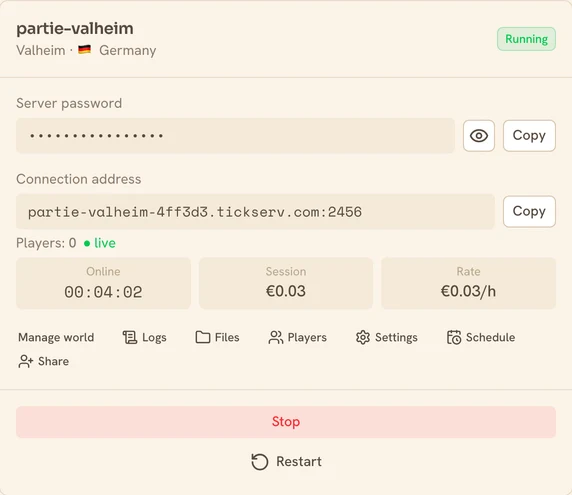
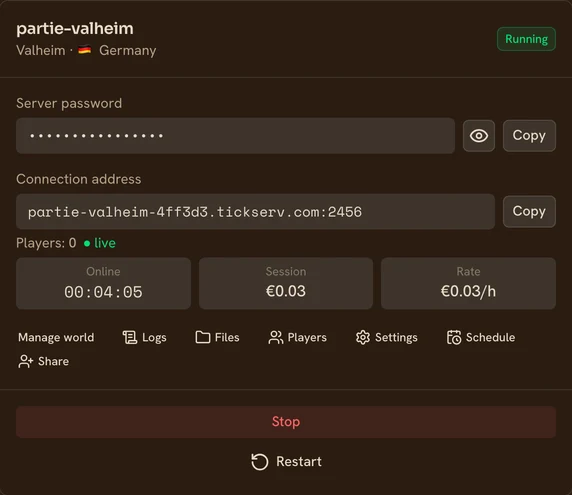
Valheim pricing
Billed by the started hour, based on RAM and performance. Server off = €0.
| Performance | vCPU | RAM | Price / hour |
|---|---|---|---|
Eco shared vCPU | 2 | 4 GB | €0.02/h |
Eco shared vCPU | 4 | 8 GB | €0.03/h |
Eco shared vCPU | 8 | 16 GB | €0.06/h |
Eco shared vCPU | 16 | 32 GB | €0.10/h |
Dedicated CPU dedicated vCPU | 2 | 8 GB | €0.10/h |
Dedicated CPU dedicated vCPU | 2 | 16 GB | €0.13/h |
Dedicated CPU dedicated vCPU | 4 | 32 GB | €0.26/h |
Prices incl. VAT. You choose RAM and performance at creation. No subscription.
Launch your Valheim server in 4 steps
Choose your setup
Pick Valheim, the RAM and the performance level. Server ready in a few minutes.
Start in one click
Launch the server: you get a stable connection address to share.
Play with friends
Share the address and play together. Your progress is saved automatically.
Shut down when you're done
Stop in one click, or auto-shutdown when nobody plays. Server off = €0.
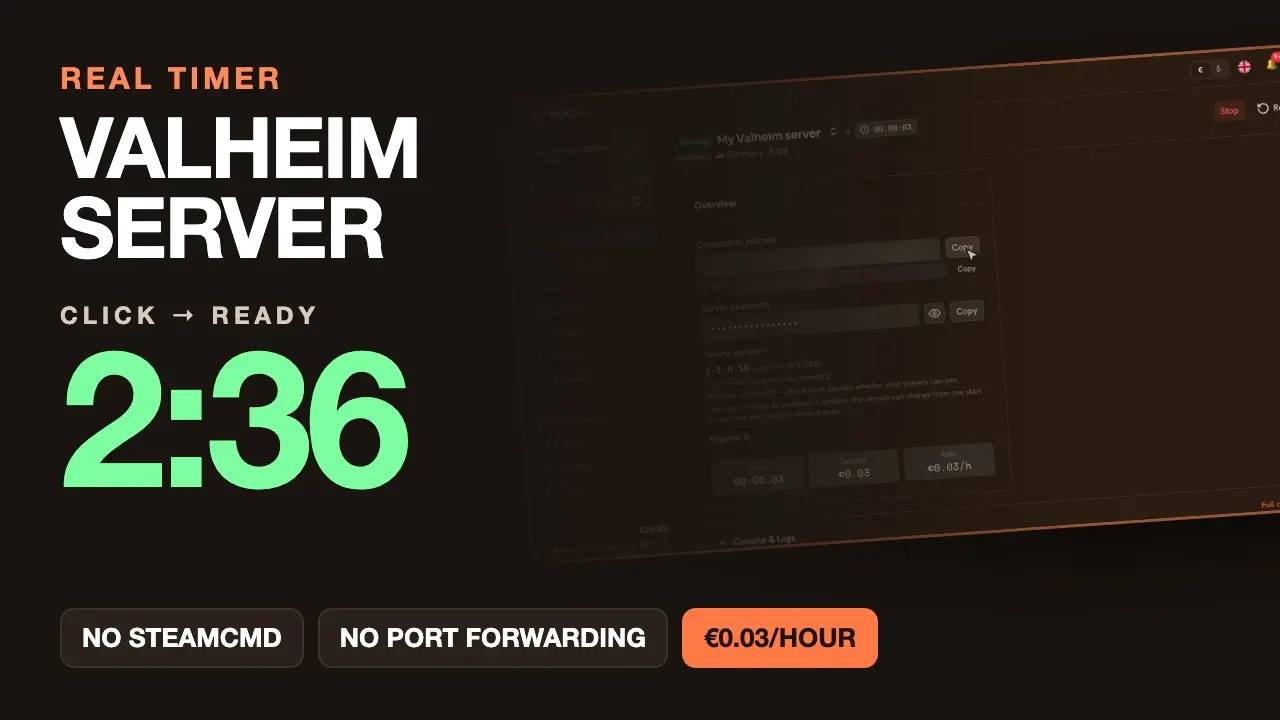
Watch it: from click to ready, with a real timer
Every choice of the form, then the real wait — sped up on screen, never on the timer. Video in English.
How much RAM for Valheim?
A rough guide based on your game. When in doubt, start small: you can change tier whenever you want.
| Your game | Recommended RAM |
|---|---|
| Up to 4 players, no mods | 4 GB |
| Up to 10 players, no mods | 8 GB |
You can change RAM at any time, without losing your save. Ballpark figures, surveyed in September 2026.
Where your Valheim server runs
You pick the country when you create the server. Which countries are available depends on the performance level.
| Performance | Available countries |
|---|---|
| Eco (shared vCPU) | 🇩🇪 Germany · 🇫🇷 France · 🇫🇮 Finland · 🇳🇱 Netherlands · 🇷🇴 Romania |
| Dedicated CPU (dedicated vCPU) | 🇩🇪 Germany · 🇫🇷 France · 🇬🇧 United Kingdom · 🇺🇸 🇨🇦 Canada — North America (East — New York, Chicago, Montreal) · 🇵🇱 Poland · 🇮🇹 Italy |
TickServ is operated by GONOTECH, a French company. If the provider is out of capacity in the country you picked, the fallback stays on the same continent.
Your friends on PS5, Switch 2 or Xbox
Valheim 1.0 (9 September 2026) brings the Deep North biome, the PS5 and Nintendo Switch 2 versions, and full crossplay across every platform.
No console can host a dedicated server: for your world to exist outside one particular player's online hours, it has to run somewhere else. That's exactly what we do — and crossplay is on from the start on Valheim servers, with no setting to hunt for.
Your existing world isn’t lost: 1.0 converts it on its first start, and the Deep North only turns up on ground nobody has explored yet. The thing to remember on release day is that an updated client won’t join a server left behind — ours moves to 1.0 on its next start, with nothing to ask of you.
A console has no address field: your friends get in with a six-digit join code, shown in your TickServ console, repeated by the invite link and by the Discord bot's /status command. That code changes every time the server starts, so it pays to know where to find it.
Frequently asked questions
How many players at once?
Valheim comfortably handles a group of friends; the dedicated server holds up under the load of a co-op game.
Do I need a password?
Yes, Valheim requires a server password: it's generated automatically and shown in your console.
Can I resume my game later?
Yes: the world is saved on shutdown and restored on the next start.
Valheim guides
How to set up a dedicated Valheim server
The mandatory password and its rules, crossplay on by default changing how people join, and the code that moves on every start.
Valheim PS5 dedicated server: crossplay with PC, Switch 2 and Xbox
A PS5 can't host a Valheim dedicated server but can join one: the join code is its only way in, it changes at every start, plus mods on console.
Valheim 1.0's save format: the new .fwl2 file, explained
What Valheim 1.0 writes to disk: the new .fwl2 file, the folder replacing .db/.fwl, and the network version deciding who can join. Read on our 1.0 servers.
Playing on a private server with friends
Why a server beats an open game, the password game by game, console access you can give without losing your seat, and splitting the bill.
How much does a game server cost by the hour?
The real numbers: the rate per RAM tier, the monthly cost by playing rhythm, and the exact point where a subscription becomes cheaper than us.
How much RAM for your game server?
The RAM tiers per game, and how to tell if your lag really comes from RAM: why adding more can backfire, and when the CPU is what you should target.
Valheim news
Valheim server world map: see your world without launching the game
Your Valheim server now draws its world map at every stop: terrain, explored areas, bases, portals, dungeons, bosses. Share a link or open a solo world.
Valheim hits 1.0: what changes for your server
Deep North, PS5 and Switch 2, full crossplay. We measured the new world format before release — and found a bug that made an imported world invisible.
Official Valheim references: official sitededicated-server documentation